How to Manually Ingest Jobs
Manually Ingesting jobs can sometimes be required if there is a glitch in the system. On rare occasions, the portal fails to either create a new job from a new job in the Home Depot system, or update an existing job when it has changed from the Home Depot side.
Ingesting a brand new job by PO
- Go to the Jobs tab
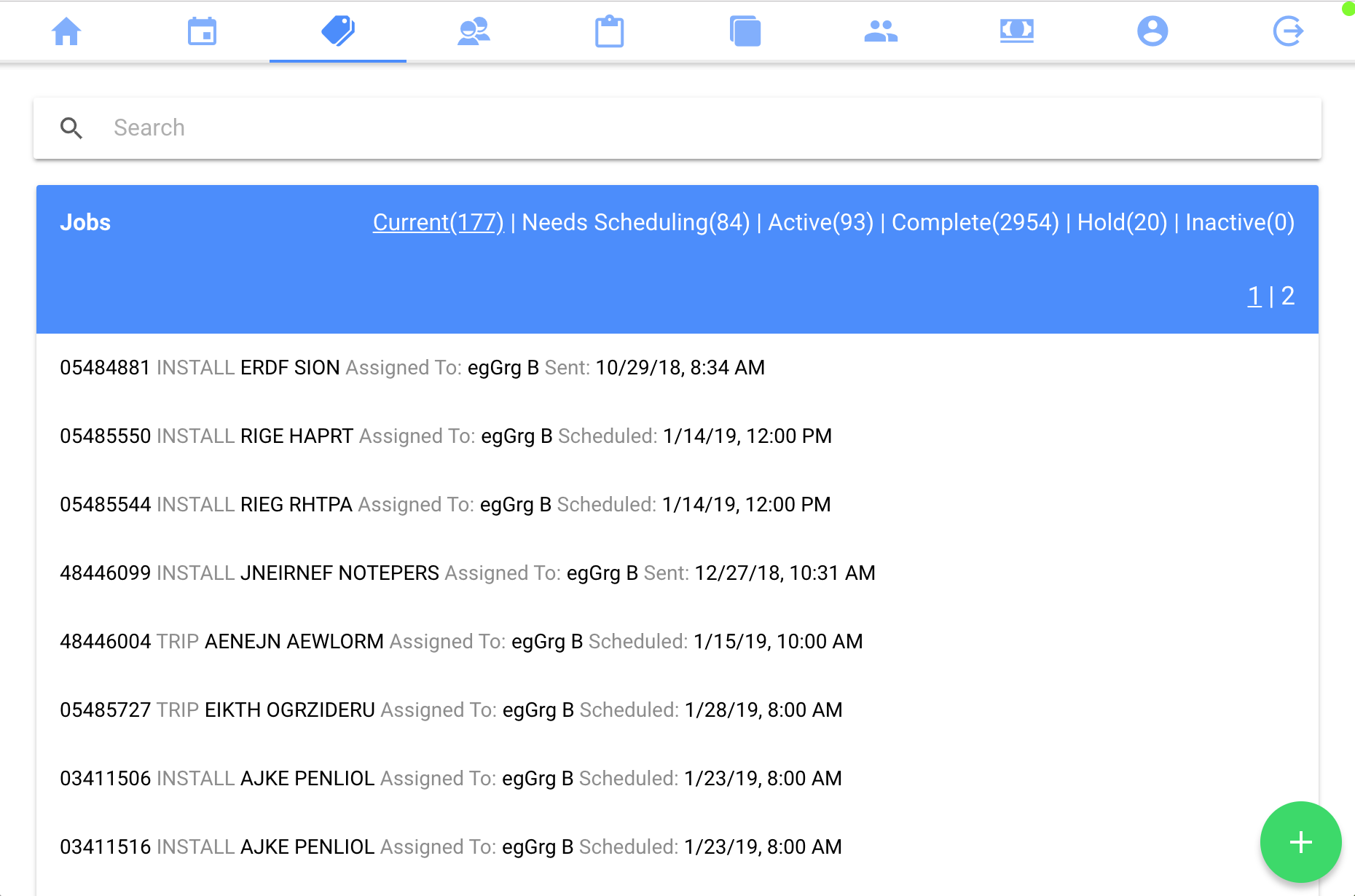
- Click on the green + at the bottom right hand corner of the page
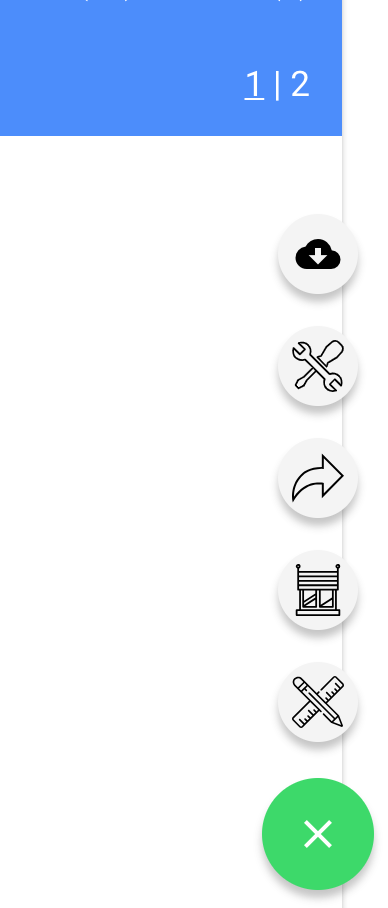
- Now click on the cloud icon to Ingest
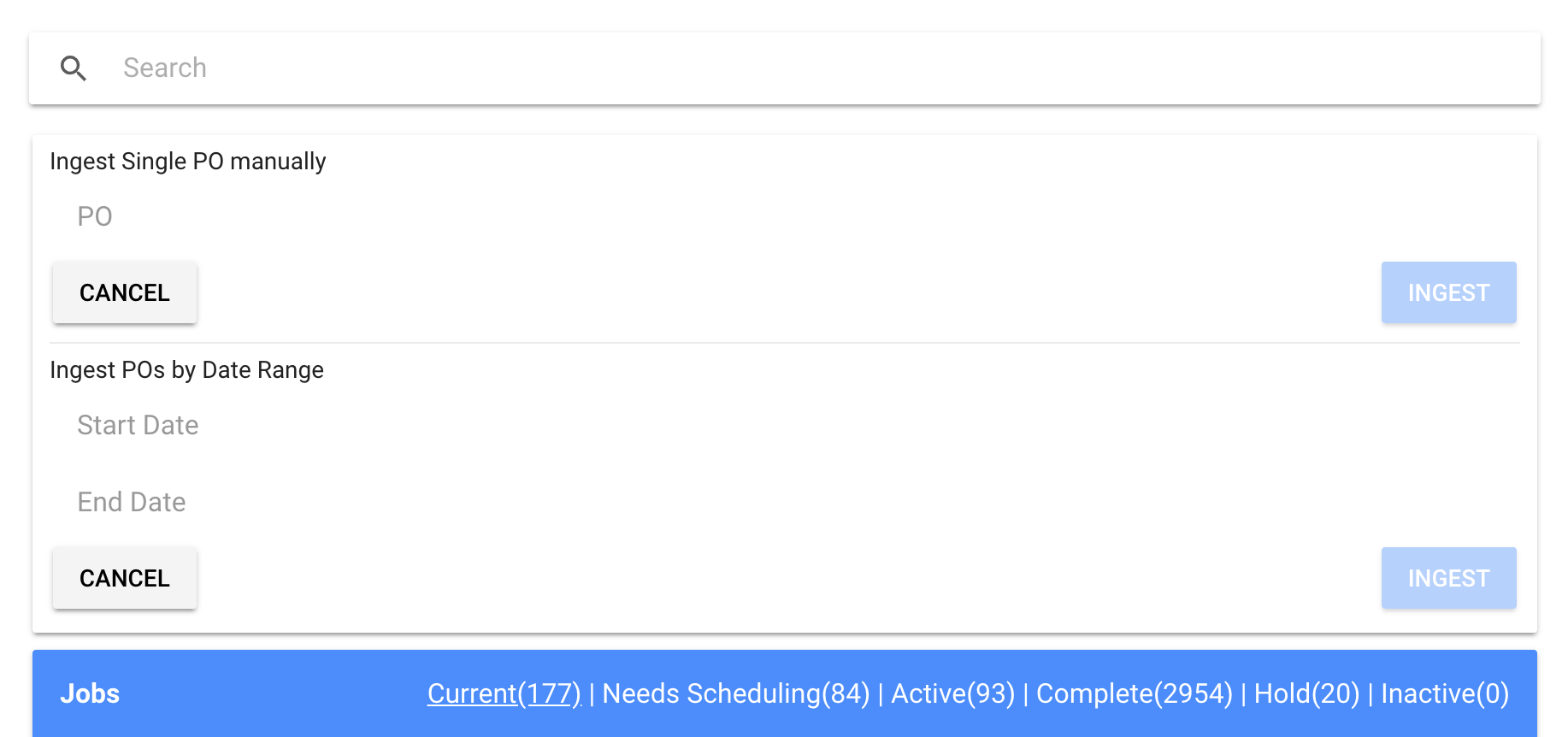
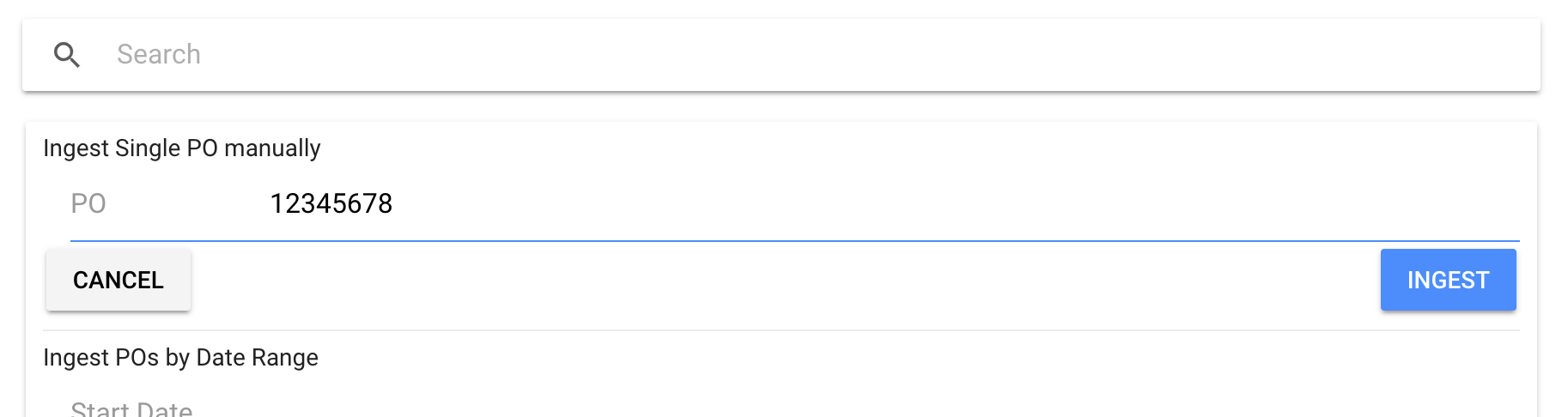
- Near the top of the page there will be a place to type the PO number, type in the PO number and click Save
- You will be brought to the Job Page
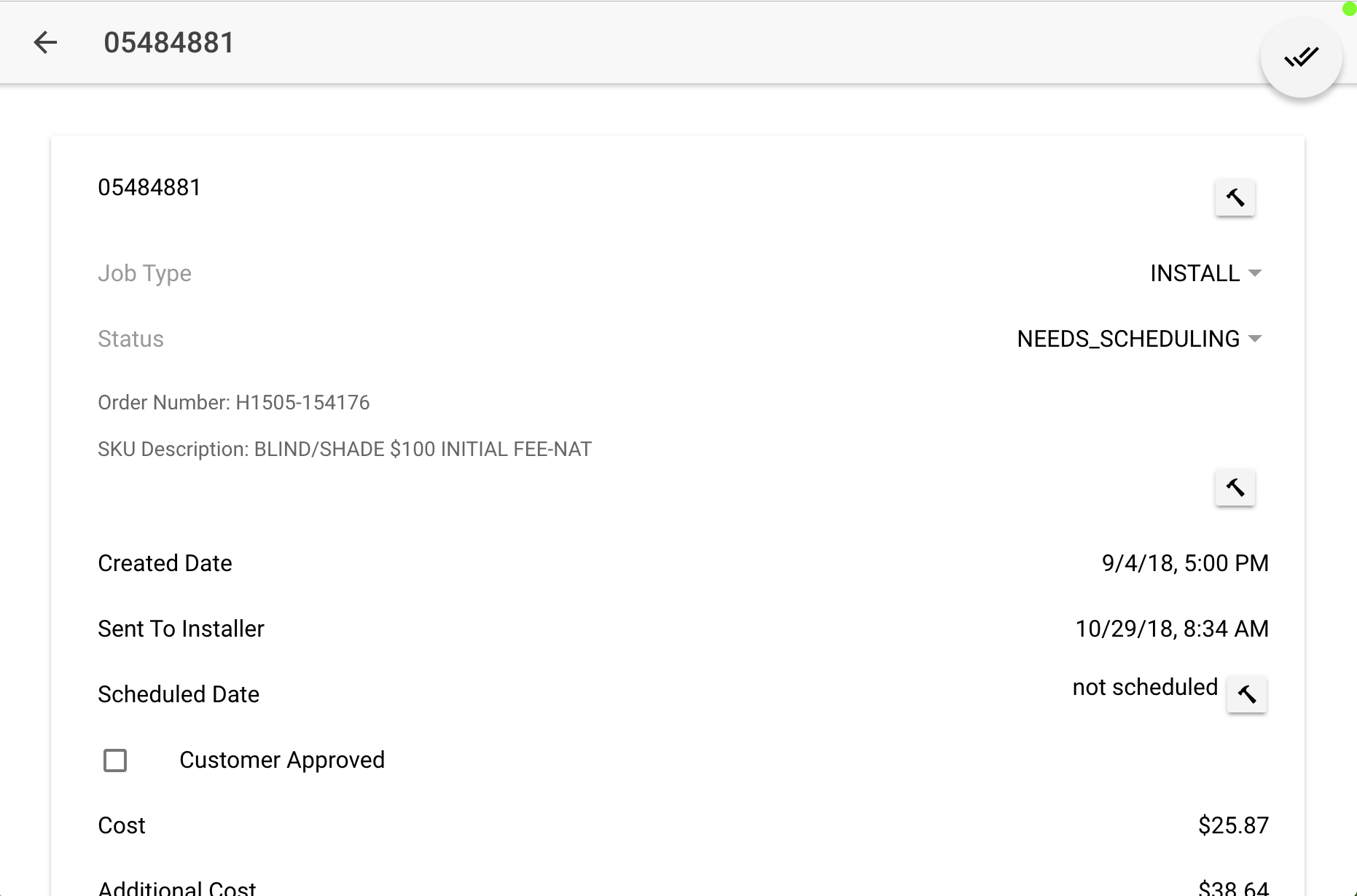
- (Optional) If you want to see the Client information, you must refresh the page
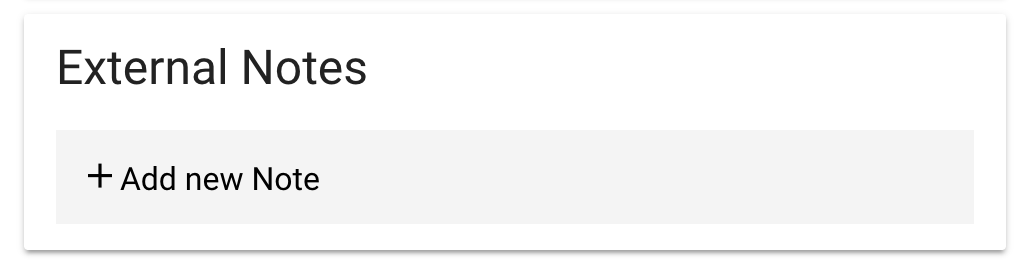
- If there are any complications with this job, then deal with those complications through using the External Notes Section.

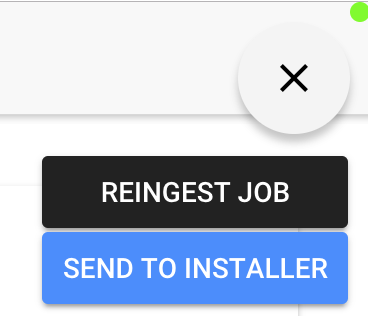
- If there are no complications with this job, then you can click the checkmark button in the top right and then the button that says
Send To Installer - If this job has already been scheduled by the Installer, then you will need to manually enter the Scheduled date
- If this job has not already been scheduled by the Installer, then you are DONE!